1
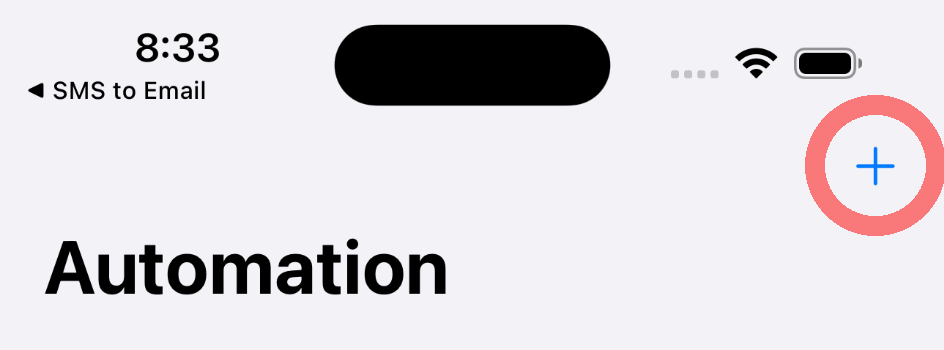
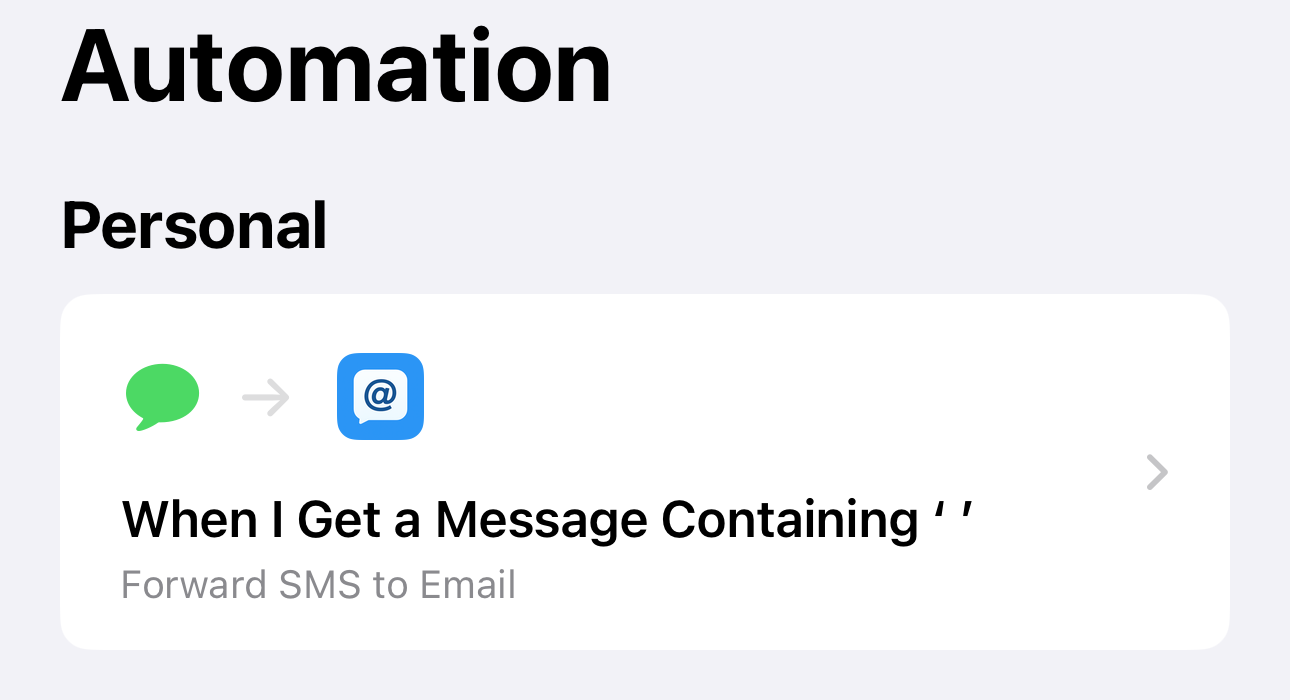
Gå til Automatisering
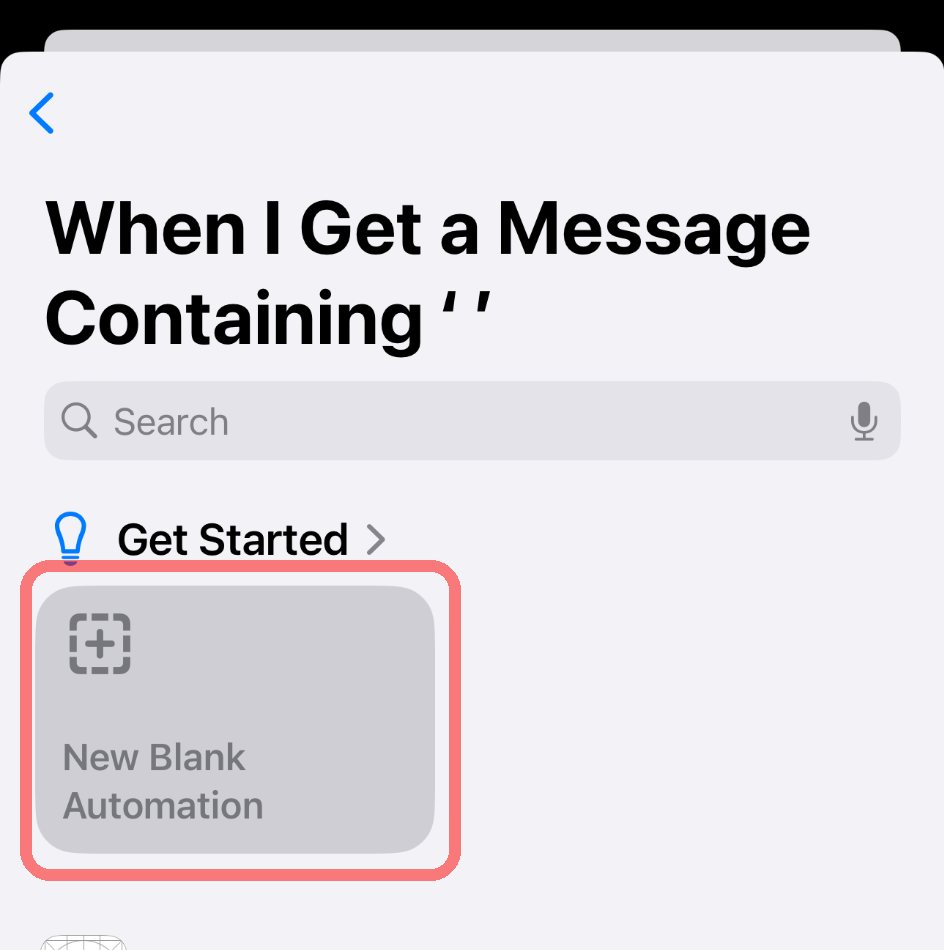
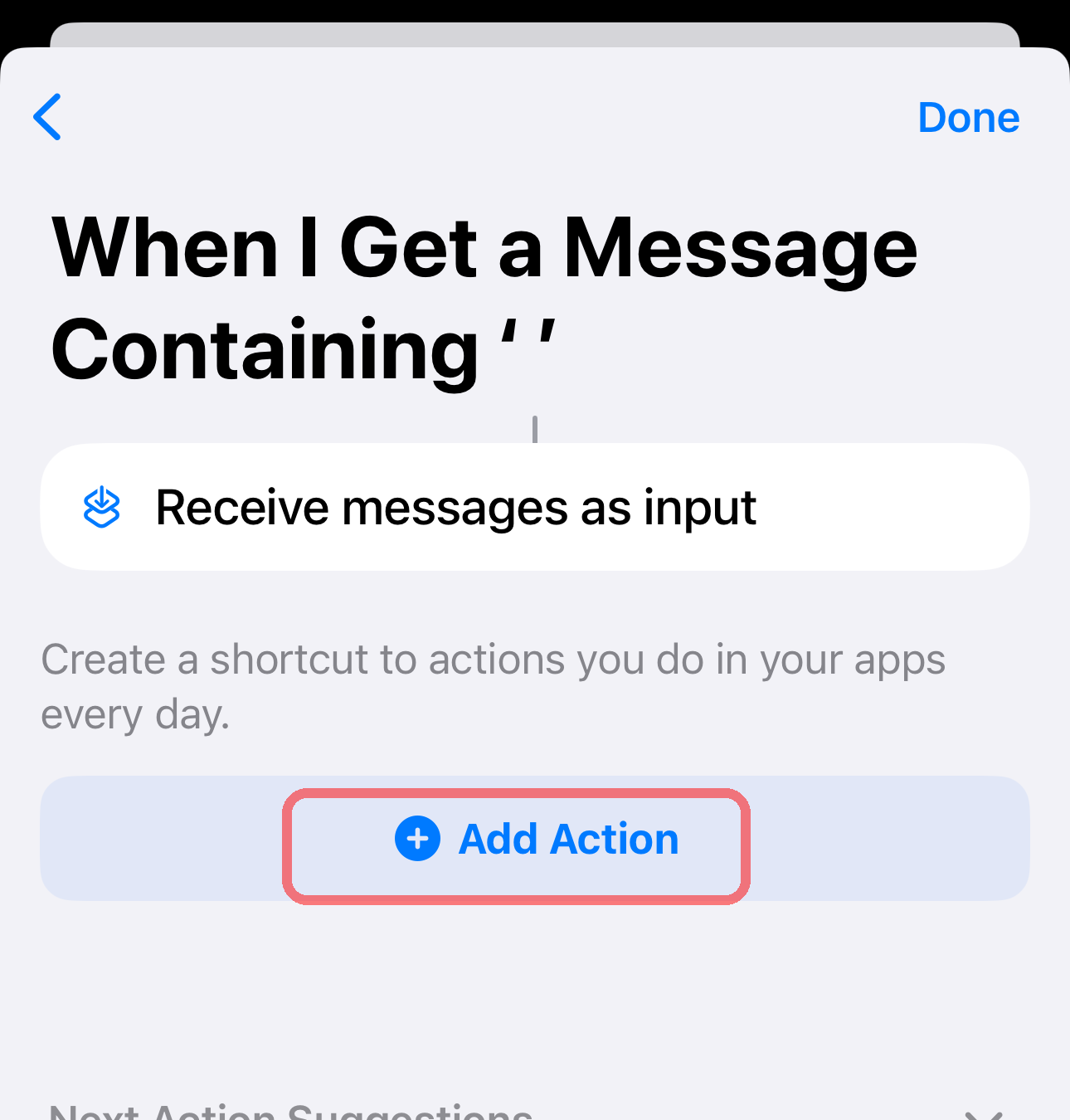
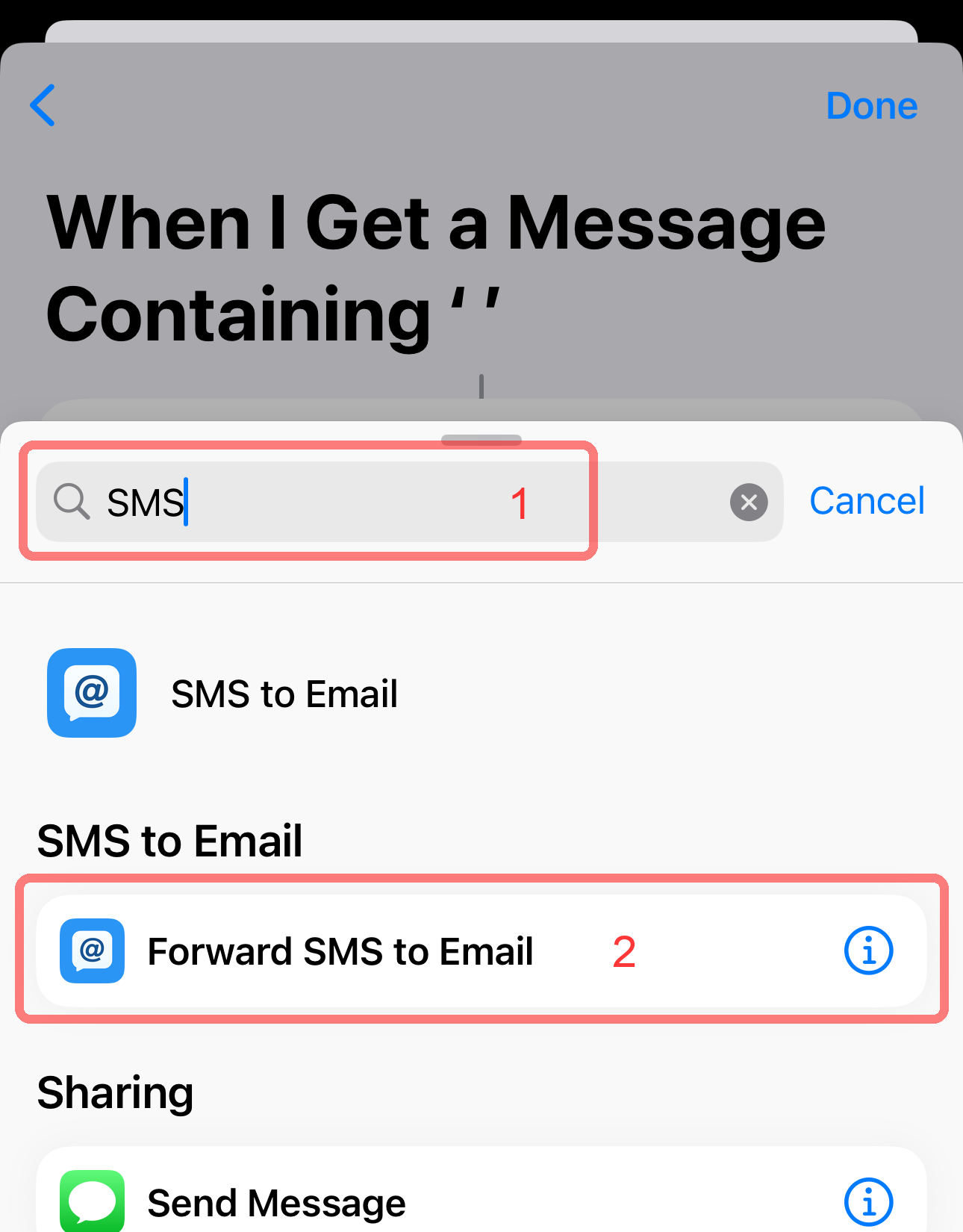
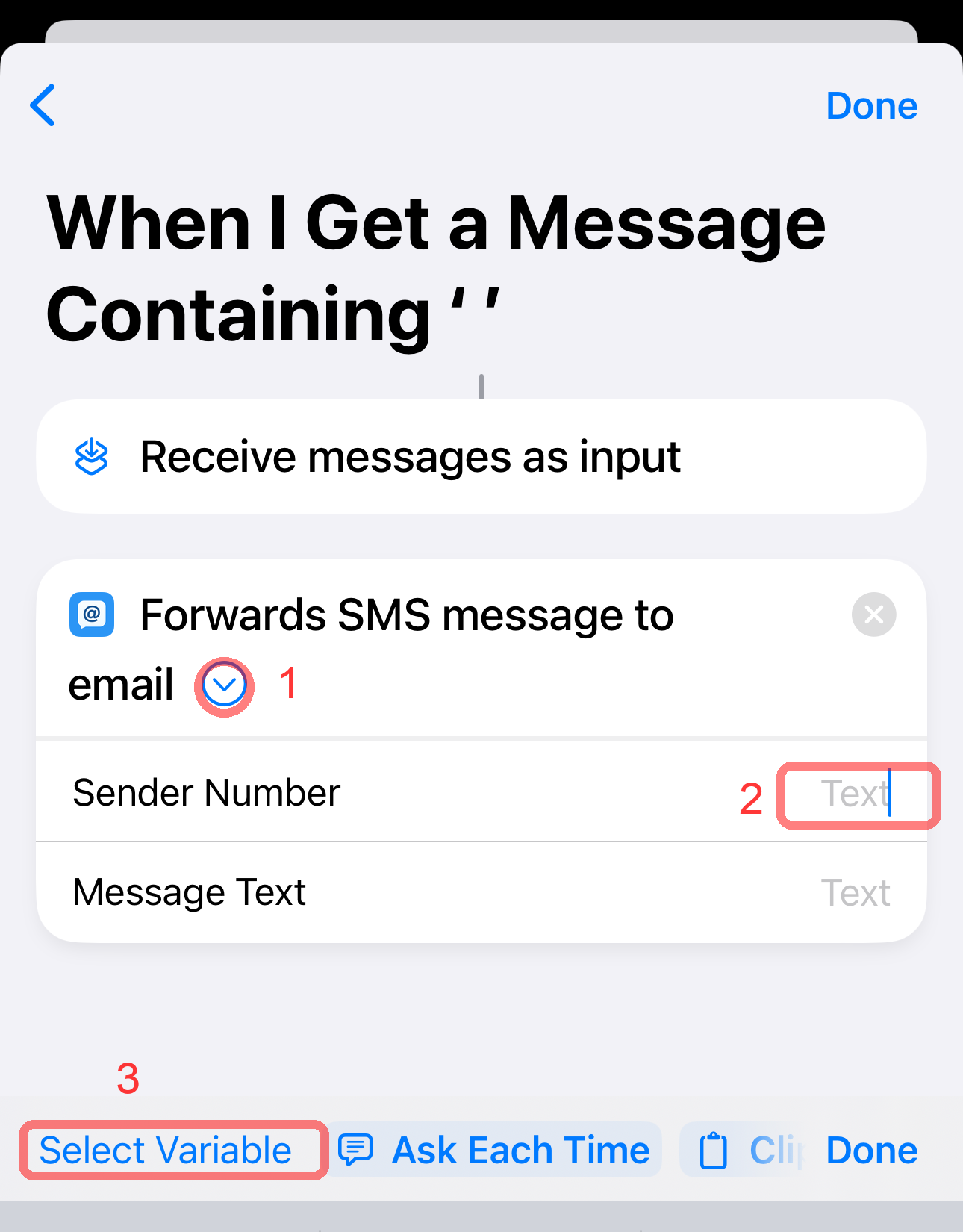
Open the Shortcuts app and tap the Automation tab at the bottom.
You can also reach this screen from the SMS to Email Forwarder app by going to Værktøjer og hjælp → Setup Instructions, and tapping the Open Automation App button.