
True Privacy by Design
Messages flow through our secure servers only to deliver your email — nothing is stored, nothing is logged. Zero-retention by design.
 SMS To Email Forwarder
Securely archive bank codes, 2FA alerts, and important messages in your email. Works even offline. Free plan available!
Download on the App StoreCompatible with iPhone · iOS 17+
Messages flow through our secure servers only to deliver your email — nothing is stored, nothing is logged. Zero-retention by design.

No internet? No problem. Messages are saved and automatically sent when you're back online.

A reliable delivery architecture means fewer points of failure and unmatched dependability.

Perfect for occasional use with a queue for up to 3 offline messages. No subscription required.
Start for free. Upgrade when you're ready. See exact pricing in your local App Store.
$0
For occasional personal use.
See in App Store
Unlimited forwarding for personal use.
See in App Store
For teams and high-volume use.
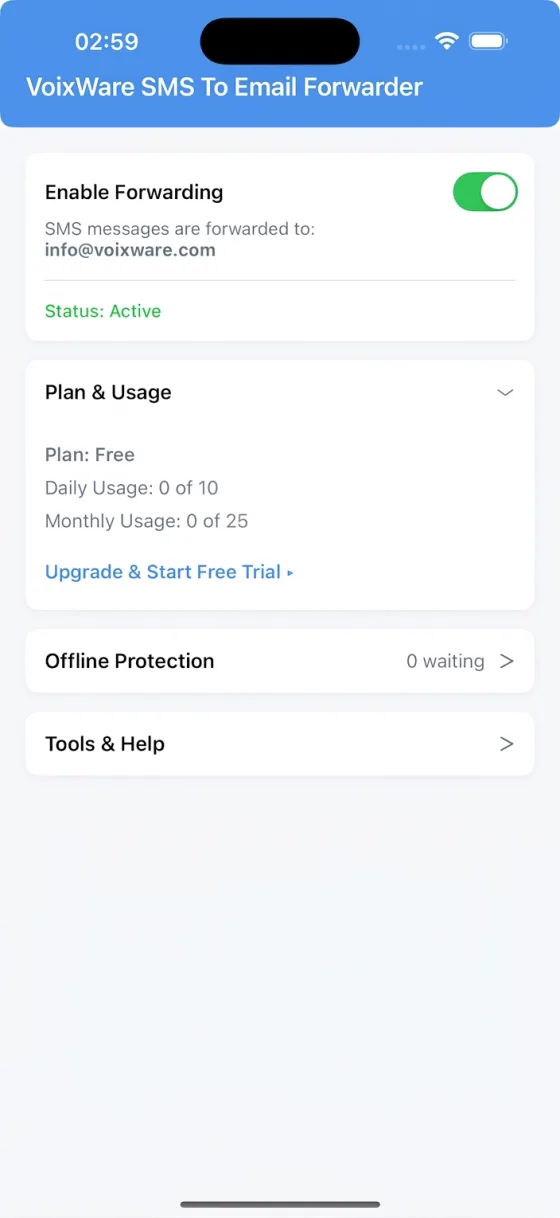
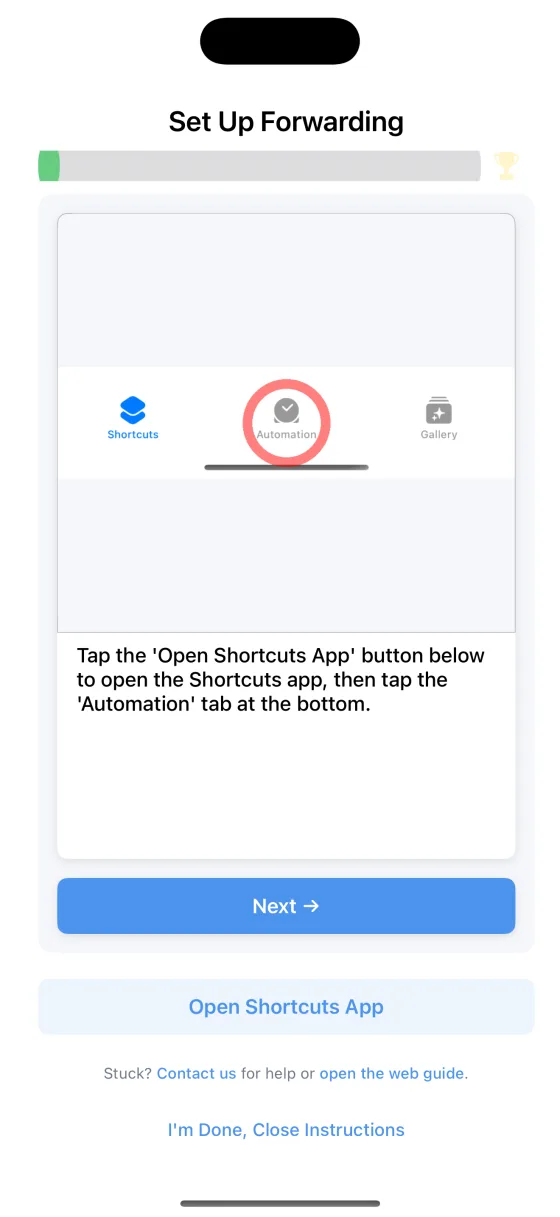
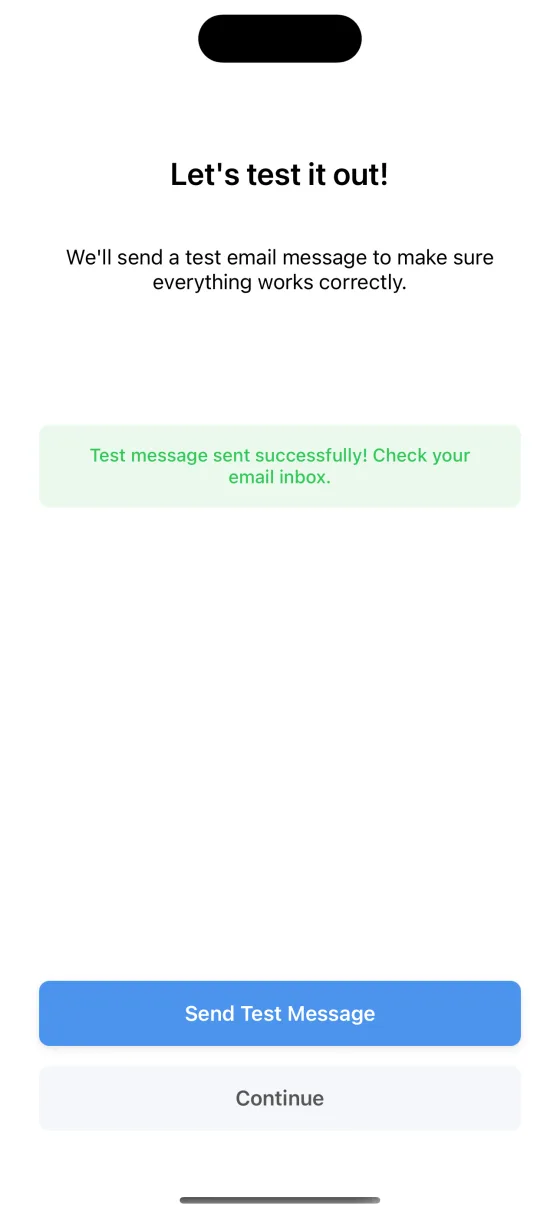
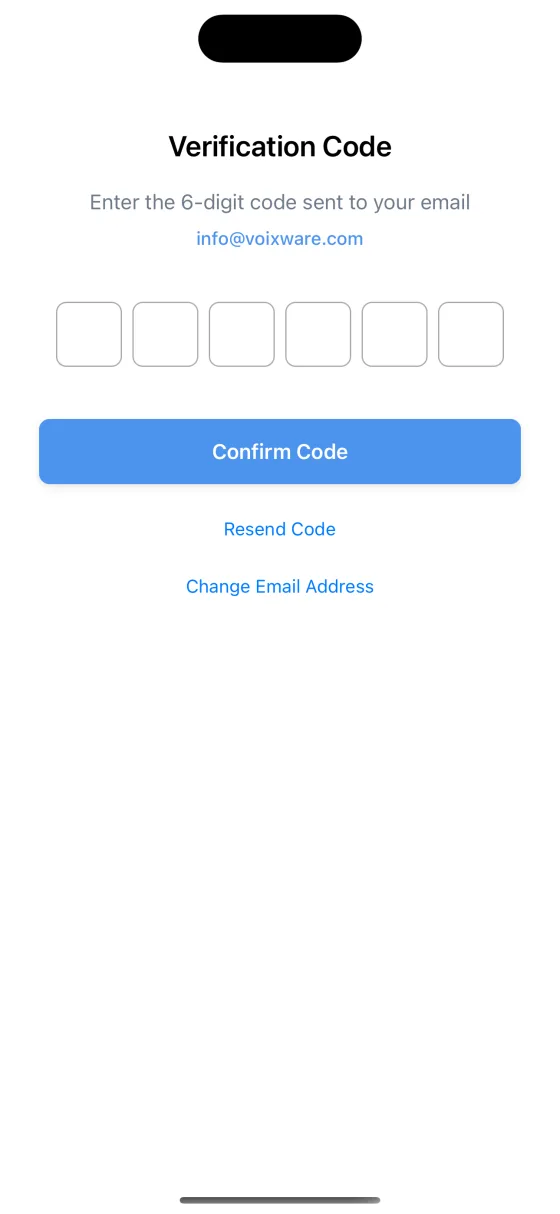
A clean and simple interface to manage your forwarding.
Real reviews from the App Store.
The app works perfectly. Customer support is very nice and I would know as I've contacted them twice. Still 5 stars!
I had an issue with the app but I sent a request and they fixed it with great service.
No — due to fundamental differences in platform architecture, the app is currently iOS-only.
Yes! The app offers a Free plan (up to 10 SMS/day, 25/month) — no credit card required. For unlimited forwarding, upgrade to Personal or Business. See pricing in the App Store.
No. Once the automation is set up using Apple's Shortcuts app, forwarding works reliably in the background, even if the app is closed or your device is restarted.
No. Messages flow through our servers only to deliver your email — nothing is stored, nothing is analyzed, nothing is logged. We don't track your activity, we don't sell your data, and we don't show ads. Subscriptions are our only revenue source — your privacy is never compromised.
Currently, you can forward messages to a single email address. We are actively exploring demand for multi-recipient support. If this feature is important for you or your team, please let us know by contacting our support team. Your feedback directly influences our roadmap.
Currently, the app forwards text-only messages (SMS). Support for images and other rich media (MMS) is under evaluation for a future release.
No. Due to iOS platform restrictions, automated SMS forwarding requires a Shortcuts Automation. This is the only Apple-supported way to securely trigger background processing of incoming messages on iPhone. For a detailed walkthrough, please see our Shortcuts Setup Guide.
Yes — you can review our Terms of Service here: Terms of Service.
Install SMS to Email Forwarder and enjoy stress-free message archiving.
Download on the App Store